Gimao Memo Data Import Guide

Gimao Memo Data Import Guide

Table of Contents

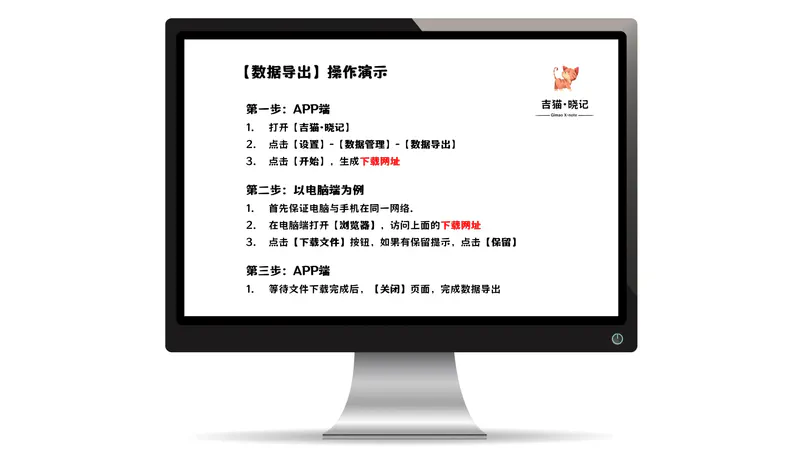
Step 1: Initiate Data Import on the Mobile App

Step 2: Upload Data Backup Files (PC Example)

Step 3: Check Data Import Results on the Mobile App

Congratulations: Data imported successfully!


member photo member photo member photo member photo member photo

Get Started now

Say goodbye to privacy breaches and embrace an efficient and secure digital life. Start your era of data freedom now!

Tags :
Gimao Memo Cross-Device Sync Introduction Cover Image
Gimao Memo
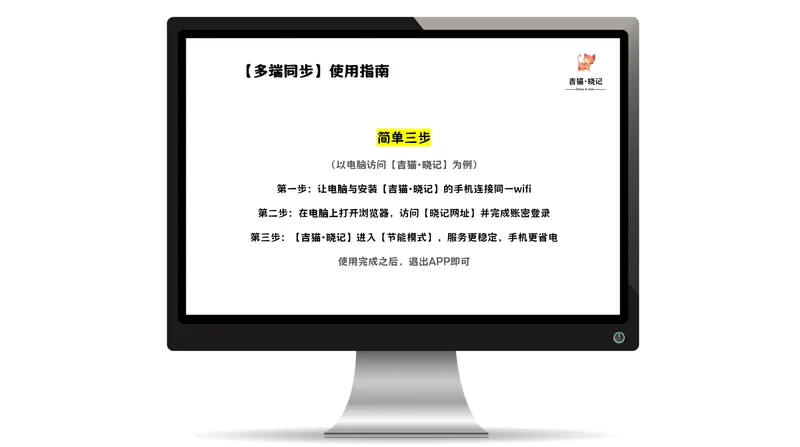
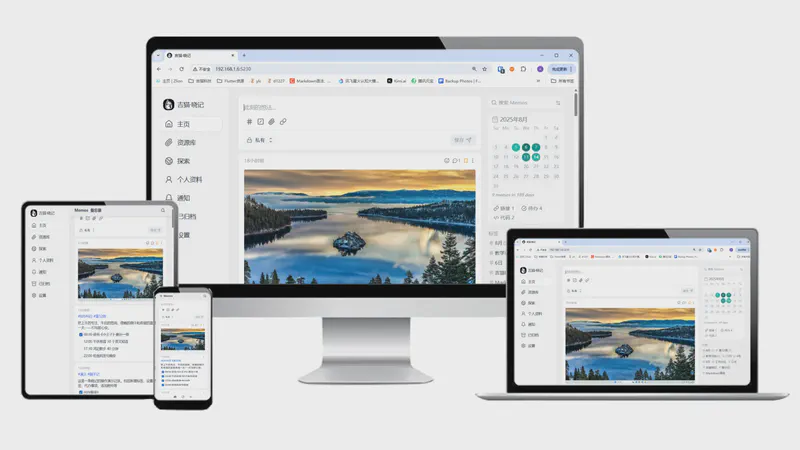
Gimao Memo Cross-Device Sync Introduction

Step 1: Connect your computer and the …

Efficient Documentation Method for Whiteboard Discussions Cover Image
Memos
Efficient Documentation Method for Whiteboard Discussions

In daily work, small-scale whiteboard …

Gimao Memo Data Export Guide Cover Image
Gimao Memo
Gimao Memo Data Export Guide

Step 1: Open Data Export on the Mobile …

Auto-Fill Passwords for Study Accounts

In the era of digital learning, we …

Gimao Memo Operation Guide Cover Image
Gimao Memo
Gimao Memo Operation Guide

Step-by-step guide to Gimao Memo: add …

Gimao Gimao

We are committed to promoting the popularization and development of open source software, breaking down technical barriers, lowering the threshold for use, and enabling users of all technical backgrounds to easily access, use, and benefit from open source software.

Making technology accessible to everyone, creating and sharing a digital future.

Contact Us

Office:

No. 102 Kexue Avenue, High-tech Zone, Hefei City, Anhui Province
Social Media

Follow our official social media accounts now to receive the latest product and brand information, and exchange product usage experiences and tips with other fans!

© 2025 NuanZhiXing Inc. All Rights Reserved.